
GPS attendance app for field and multi-site teams in Pakistan
Check-in only counts inside the site you set. Then it goes straight into payroll.
Last updated Nov 2026
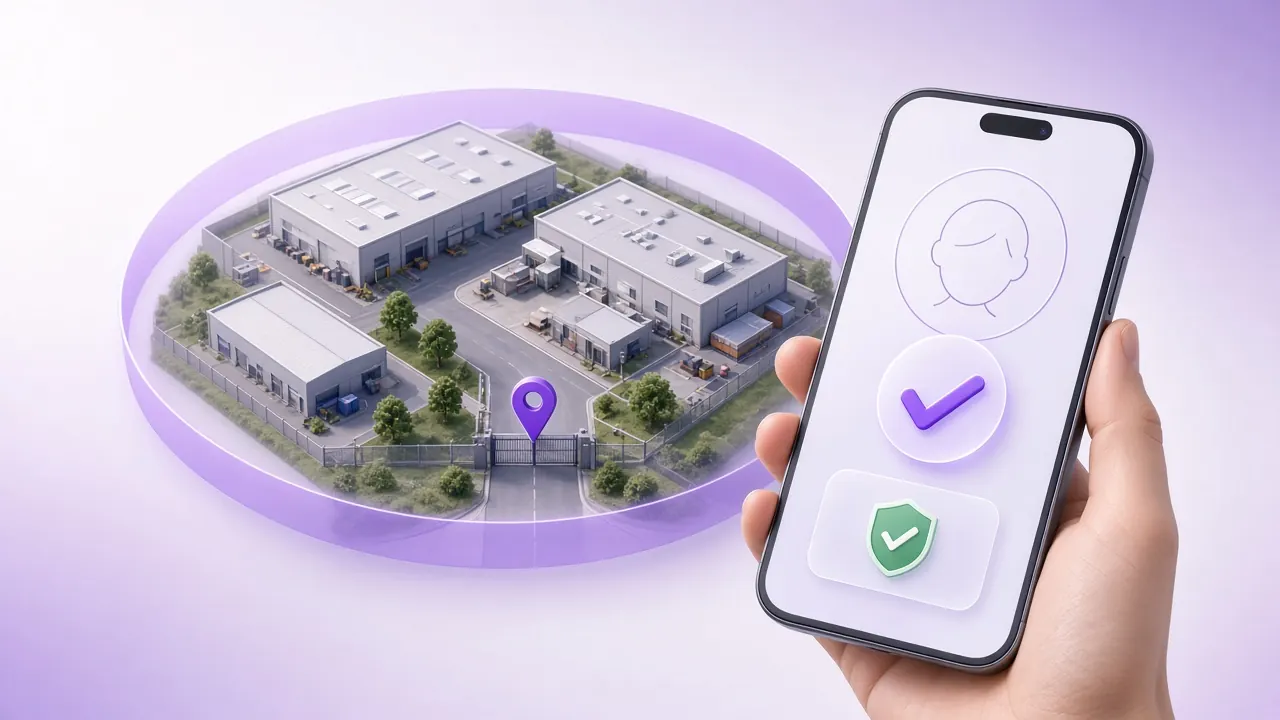
Quick answerGPS attendance lets a field employee check in from a phone when the location is inside the work location and radius you set. A selfie, an approved device and fake-GPS detection sit on that punch. Location is checked when the employee checks in. The mark then follows the same late, half-day and payroll rules as a gate punch. GPS attendance is on the Starter plan.
Who uses a phone instead of a gate
A factory can put a biometric terminal on the door. A sales team cannot. The person is at a shop, a clinic, a site office or a warehouse that is not yours. The check-in has to happen where the work is, and it has to fail when the phone is somewhere else.
That is the day-to-day for a pharmaceutical field force, which is why the pharma HR page sits next to this one. Security guards posted at a client gate have the same problem, covered on HR software for security companies. A crew that moves with the building is construction HR. Riders and warehouse teams are logistics. A brand with many counters is retail and restaurants, where the site is fixed but the person may not pass a head-office terminal.
How a GPS check-in is verified
The checks run at the punch. Nothing on this page describes a live map, a route, or a punch that works with no signal.
- Location is checked when the employee checks in. The punch has to fall inside the geofence, or inside the radius, of a work location you have saved.
- Selfie validation asks for a photo on the mobile check-in. Face verification and AI face matching, which confirm identity and are there to stop a colleague punching for someone else, are Enterprise.
- Device restriction locks attendance to approved phones, so a borrowed handset is not an ordinary punch.
- Fake-GPS detection blocks a location the phone is pretending to have.
- The attendance rules then apply grace minutes, late, early-out, half-day and short-time. Auto checkout can close a punch that was never paired with a check-out.
Set one work location per real site
Draw the zone around the place people actually stand, not around the pin a maps app dropped on the road. A radius that covers the gate and the parking is usually enough for an office or a shop. A large plant needs more than one zone, because a single circle that includes the car park also includes the tea stall across the street.
Indoors, a phone often cannot see enough satellites. Do not stretch the radius until the punch succeeds from the next building. Use WiFi on an approved network, a QR code at the desk, or a biometric terminal. Those methods are on biometric attendance and the ZKTeco payroll integration. NFC and a Bluetooth beacon are the other proximity options when the person is on the premises but the sky is not visible.
Exceptions without a WhatsApp thread
A client visit that is not a saved site is an On Duty request. That request is on the Growth plan. Work-from-home is an ESS request, and the ESS module itself is on the Starter plan. A missed punch is a Miss Punch request, also Starter. Overtime still needs an Overtime request, which is Enterprise, before it is a pay line.
Approvals sit in the manager queue. The manager portal is Enterprise. Until that tier is on, do not describe a supervisor app as included. The employee side, Android, iOS and the web, is the employee self-service app.
From the punch to the payslip
The same attendance record feeds leave and payroll. A half day, a late mark and an approved overtime hour are rules on that record, not a second spreadsheet. The wider product is attendance software in Pakistan. The pay run is payroll software in Pakistan. One month of late, half-day and overtime arithmetic can be checked in the attendance calculator. What the statute actually says about the overtime rate is the overtime guide.

What staff should be told
Tell people that location is checked when they check in and check out. Keep selfies only for as long as your own attendance policy says. Put that policy in writing. A starting point for the policy, separate from this product page, is the attendance tracking guide. This page does not claim a statute that forces a particular retention period, and it does not claim that StreamHCM stores a trail of locations through the day.
GPS, biometric, face and WiFi
| Method | Best for | What stops proxy punching | Plan |
|---|---|---|---|
| GPS and geofence | Field staff and any site with no terminal | Radius, fake-GPS detection, device restriction, optional selfie | Starter |
| WiFi, QR, NFC, Bluetooth beacon | Indoor offices and shop floors where GPS is weak | The person has to be on the approved network, code, card or beacon | Attendance is on Starter. Pick the method that matches the site. |
| Biometric terminal | A gate or a factory entrance | The fingerprint is on the device | Enterprise |
| Face recognition and AI face matching | A contactless check where identity matters more than a pin | The face has to match | Enterprise |
What the Starter plan costs
Starter is PKR 2,500 a month plus PKR 100 per employee. At 15 employees that is PKR 4,000 a month. GPS attendance is included from that plan. Face recognition is not. The full tier list, including the volume discount above 100 employees, is on pricing. A 14-day trial does not take a card on this site.
GPS attendance questions
Yes. GPS attendance is a mobile check-in. Location is checked when the employee checks in. The punch is accepted when it falls inside the work location and radius you set, and it can be paired with a selfie. The app runs on Android, iOS and the web. This page does not claim that the phone tracks the person between punches.
A geofence is the zone you draw around a site. Geofencing attendance rejects a check-in that is outside that zone. Radius validation is the same idea stated as a distance: a punch farther than the radius you chose is not a present mark. Set each site as a work location.
Fake-GPS detection blocks a spoofed location. A selfie is photo proof on the mobile check-in. Device restriction locks attendance to an approved phone. AI face matching, which is an Enterprise feature, confirms the face. None of these is a promise that every spoof will fail. They are the checks the attendance module runs at the punch.
On Duty Requests, on the Growth plan and above, let someone mark official off-site work. That is a request, not a continuous map of the day. A client site you visit often should be its own work location with its own radius. Work-from-home is a separate ESS request. The ESS module is on the Starter plan.
Yes. GPS attendance is on the Starter plan: PKR 2,500 a month plus PKR 100 per employee, which is PKR 4,000 a month at 15 employees. Face recognition and biometric attendance are Enterprise. Miss-punch requests are Starter. On-duty requests are Growth. Overtime requests and the manager portal are Enterprise.
Set one site and try a check-in
Starter includes GPS attendance. Request a 14-day trial and price the headcount on the pricing page.