
Rehbar Voice Agent: talk to your HR system in Urdu
A live spoken session for admins. It looks up data at once. Creating a task, approving leave or marking attendance waits for a clear spoken yes. Payroll, settlements and loans also need Confirm on the screen.
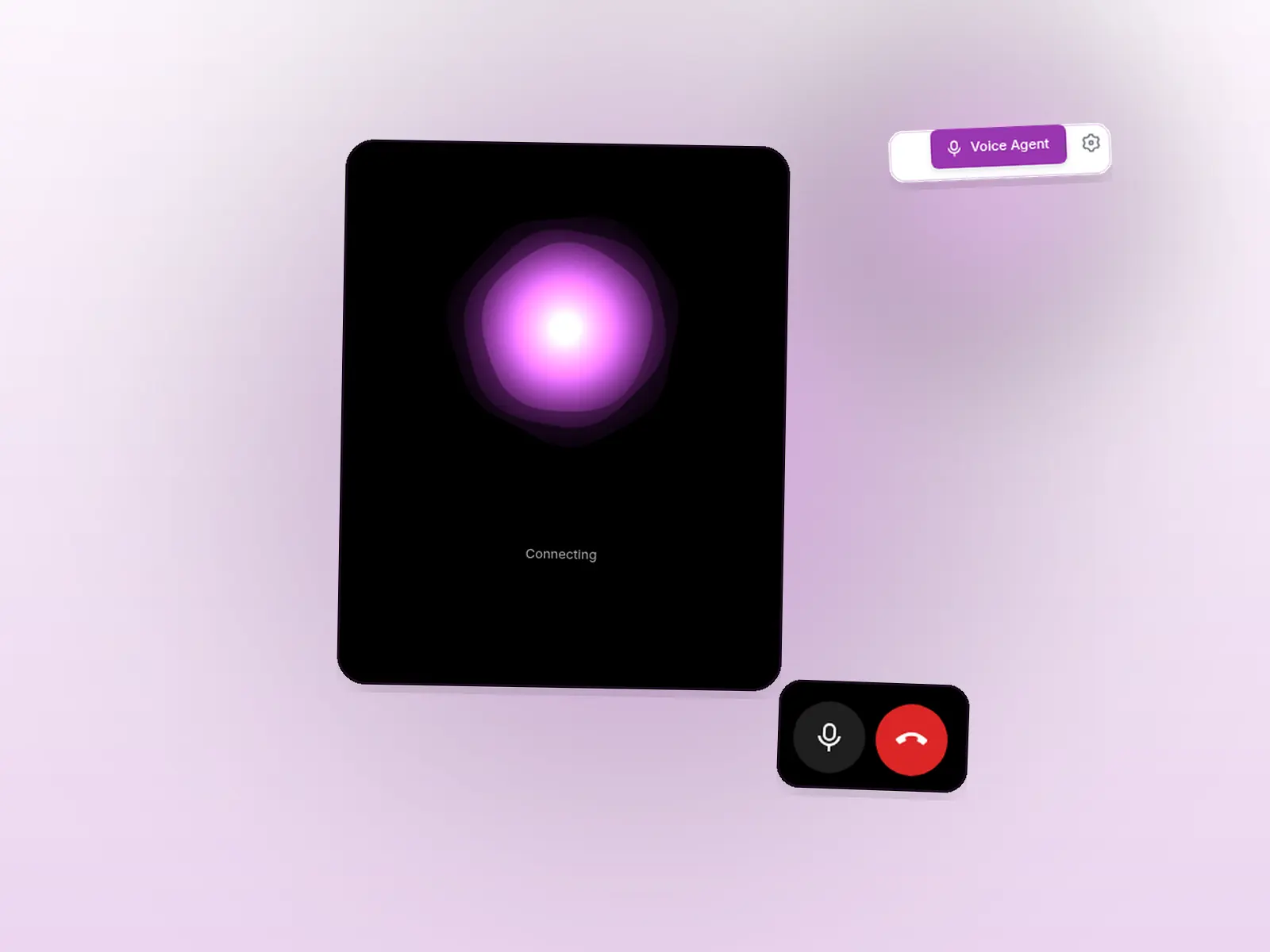
The same admin rights as the screens. It cannot do what that person could not click.
Where the day goes wrong
The click path is long
Find the person, open the request, check the dates, then approve. A CEO in the car still wants that answer, and sometimes the action.
The instruction is spoken Urdu
“Aaj kaun late aaya?” is a normal morning question. The agent is built to hear it, not only the English version.
A voice that just does it is unsafe
Payroll, a loan and a settlement should not complete because the room was noisy. Those wait for a button.
How a session works
Lookups are immediate. Changes are prepared, read back, and finished only after confirmation.
Open Voice Agent
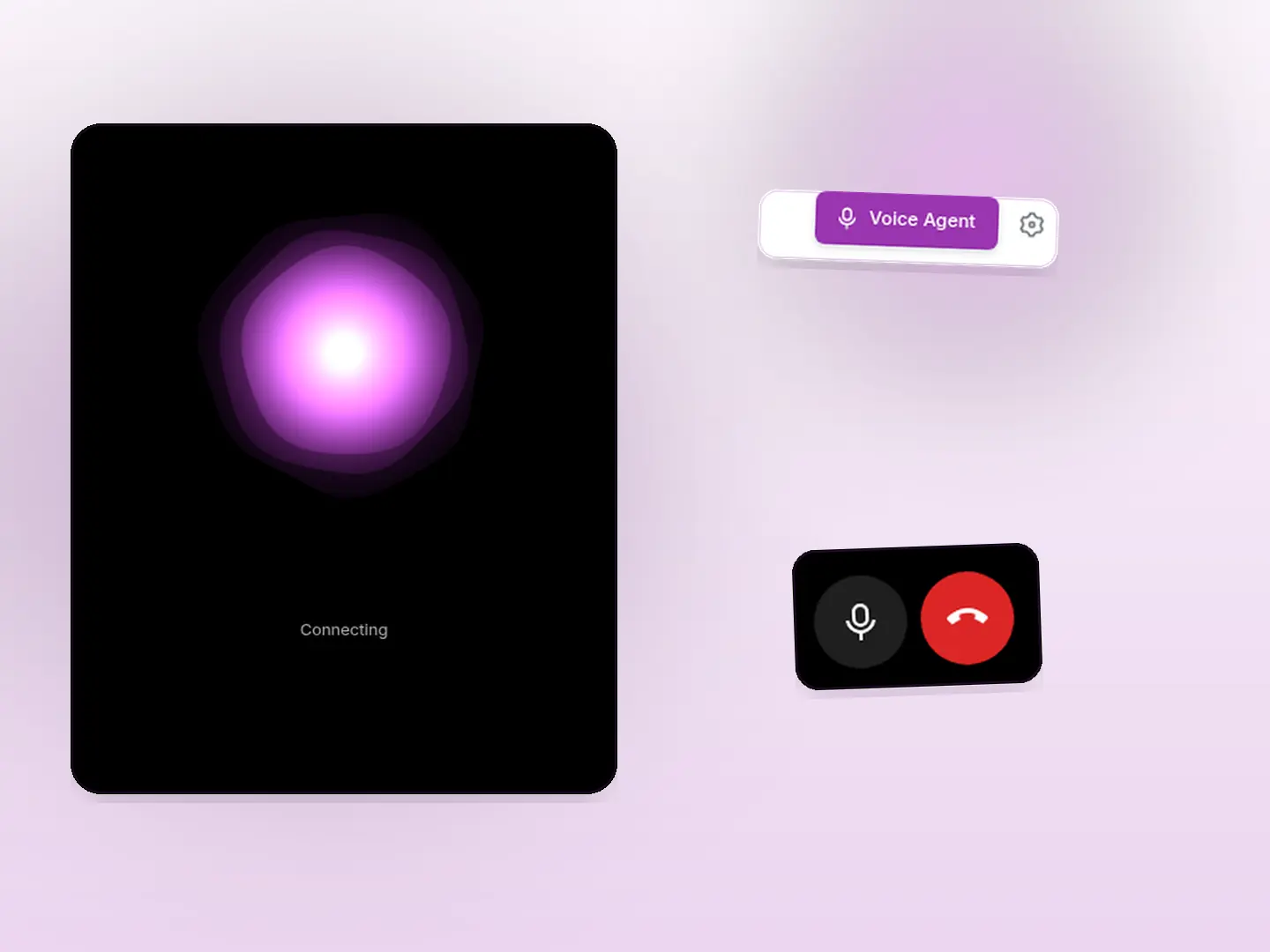
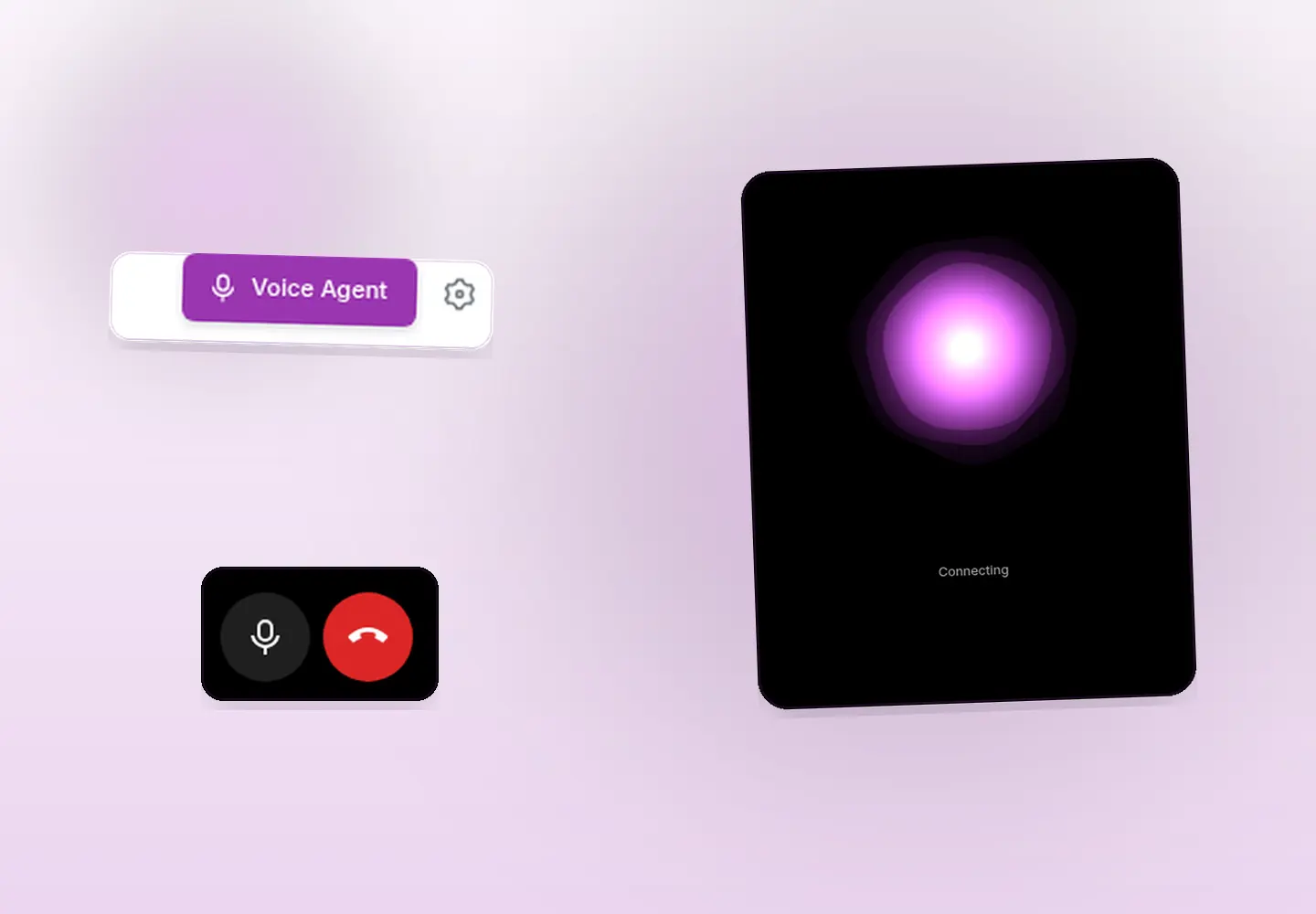
The button sits on the Rehbar AI chat when the company has the module on and the role has AI Voice Agent rights. It opens a full-screen session. There is no separate page URL.
Lookups, straight away
“Aaj kaun late aaya?”, headcount, pending leave, a payroll summary. It can also use the same read-only Rehbar chat for company questions.
It looks the person up
It does not invent an employee id. If two names match, it asks which person you mean.
Ordinary changes need a spoken yes
Create a task, approve or reject leave, mark attendance with an admin time override. It reads back who, what and when, then waits for a clear yes.
Money actions need the button
Payroll, settlements, separations, loans, advances, expense claims and similar actions need Confirm on the screen. A spoken yes is not enough.
Tasks
A task needs a due date and a named project. “Ali ke liye ek task bana do, due date kal, project Onboarding.”
Attendance override
An admin can ask to mark times, for example 9 to 6. Employee GPS or face check-in, and file uploads, cannot be done by voice.
You can see what it heard
Live captions and an activity card show the waiting yes, the Confirm step, and whether the action finished, failed or was cancelled.
Your rights, not a new set
It calls the same APIs as the admin. Branch rules and validations still apply. Mute and end are on the session.
It does not stay open
Three minutes of silence ends the session. A prepared change that was not confirmed expires after a short window, about 3 minutes in the product.
Sample things an admin can say
“Aaj kaun late aaya?” “Who was late today?” “Pending leave requests dikhao. Ali ki leave approve kar do.” After it reads the leave back, “Haan, kar do.” “Ahmed ki aaj ki attendance mark kar do, 9 se 6.” “Is month ka payroll summary batao” returns numbers. Finalising that payroll would still need Confirm on the screen. Typed questions that should not change anything stay in AI HR agent that speaks Urdu.
Who uses the spoken session
A CEO, before the meeting
Who was late, how many are absent, and a payroll summary as numbers. The daily CEO brief email is still the chat settings, not this call.
An HR manager, during the day
List waiting leave, approve or reject after a spoken yes, mark an attendance override, or create a task on a named project.
Only the admin web app
The person needs Voice Agent rights, a working Gemini key, and the module switched on. It is not an employee self-service shortcut for applying their own leave.
Urdu voice HR assistant — frequently asked questions
It is a live spoken conversation in the StreamHCM admin web app. The admin talks. The agent looks people up, and it can carry out HR work as that same admin after a clear spoken yes. Payroll and other money actions also need an on-screen Confirm button.
It starts in natural spoken Urdu, in the manner of a respectful Pakistani office assistant. If the admin speaks English, it replies in English. It understands relative dates such as kal and parson from the company's today.
An admin whose role can already approve leave can ask, for example, “Ali ki leave approve kar do.” The agent looks Ali up, reads the request back, and completes it only after a clear spoken yes. If two people match the name, it asks which one.
Payroll, settlements, separations, loans, advances, expense claims, leave encashment, creating or deleting an employee, and similar money or high-impact actions. A spoken yes is not enough for those. The admin presses Confirm on the screen.
No. It can read a payroll summary. Running, finalising or changing pay is a money action and needs the on-screen Confirm, and only if that admin could do the same thing by clicking.
This Voice Agent is for admins in the admin web app, with the microphone allowed in the browser. It was not found as its own screen in the admin mobile app. Employees are not given this write access.
On the Rehbar AI chat, the Voice Agent button opens a full-screen session. Escape, the close control or the end button hangs up. If nobody speaks for 3 minutes the session ends. A change that was prepared and not confirmed expires after a short window.
No. “Speak your question” on the chat box only types the words into the box. You still press send, and that chat does not change records. The Voice Agent is the live conversation.
Hear it on your own company
Request a 14-day trial or a demo. The Voice Agent is off until the company enables it, the role allows it, and a Gemini key is connected.