
Shift scheduling and roster software for businesses in Pakistan
Factories, hospitals, call centres, retail chains and security companies all run on shifts, and most still plan them in Excel or on a whiteboard. StreamHCM turns the roster into part of the HR system, so the schedule people are given is the schedule attendance is checked against and payroll pays.

Why rosters belong in the HR system
When the roster is a spreadsheet, it and the attendance device disagree all the time. Someone swapped shifts but the sheet was not updated; a night shift was counted as two half days; overtime was worked but not approved. Each disagreement becomes a manual correction at month end.
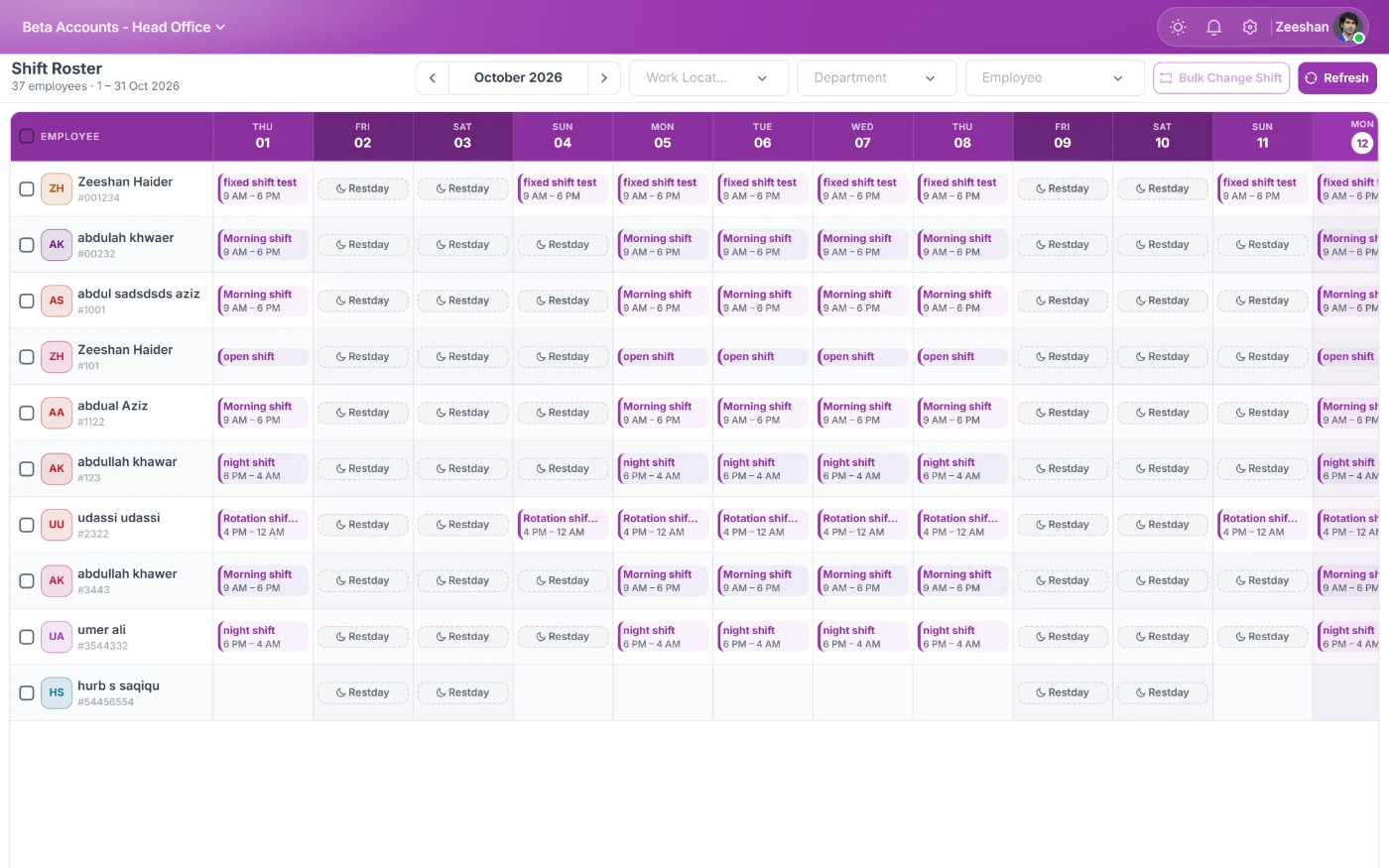
In StreamHCM, each employee has an assigned shift for each day. Attendance is evaluated against that shift: whether they were late, left early, worked overtime or were absent. Changes go through approval and update the roster, so there is one version of the truth.
Scheduling features
Fixed, rotating and split shifts with their own start, end and break times.
Night shifts that cross midnight, counted as one shift on the correct date.
Rotation patterns, such as weekly rotation through morning, evening and night.
Weekly offs and rotating offs per employee or group.
Shift swaps requested by employees and approved by supervisors.
Bulk assignment of shifts to departments, teams or branches.
Different grace, late and overtime rules per shift.
Overtime under control
Overtime is where shift-based payroll leaks money. StreamHCM calculates overtime from the difference between the assigned shift and actual attendance, applies thresholds and multipliers, and can require approval before overtime is paid. Managers see overtime building up during the month rather than discovering it in the payroll total.
Employees see their schedule
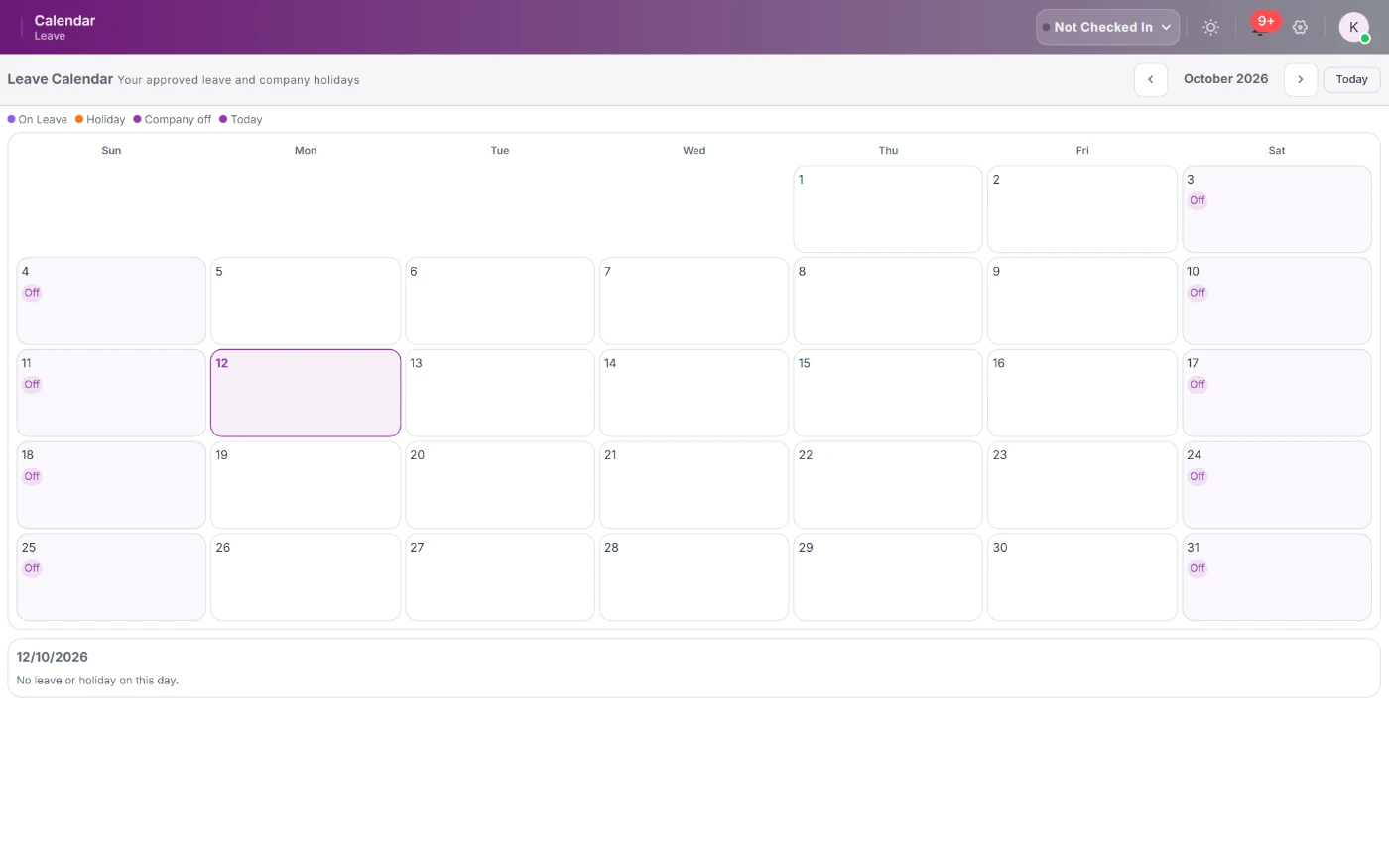
Staff see their upcoming shifts in the mobile app, request swaps or leave against them and get notified when the roster changes. That cuts down on missed shifts caused by someone not knowing a change had been made.
Ramadan and seasonal timings
Pakistani businesses commonly change working hours during Ramadan and for seasonal peaks. Shift timings can be updated for the period, so attendance and overtime are evaluated against the reduced or extended hours, then set back afterwards.
Linked to payroll and reports
Approved shifts and attendance drive payroll, including shift and night allowances. Reports show coverage, lateness, absenteeism and overtime by shift, department and branch, which helps plan staffing rather than react to it.
Industries that use shift scheduling
Manufacturing plants rotate workers through morning, evening and night shifts. Hospitals run 8- or 12-hour duties with on-call. Call centres follow client time zones. Retail chains plan opening and closing shifts per outlet. Security companies post guards on 12-hour shifts at client sites. StreamHCM supports each of these patterns and lets one company mix them across departments.
Getting started with rosters
Begin by defining your shifts and a rotation pattern for one department, then assign it to staff and publish it. Let attendance run against the roster for two weeks and adjust grace and overtime rules. When it is stable, roll out to other departments and move swap requests into the app.
Planning coverage before the shift starts
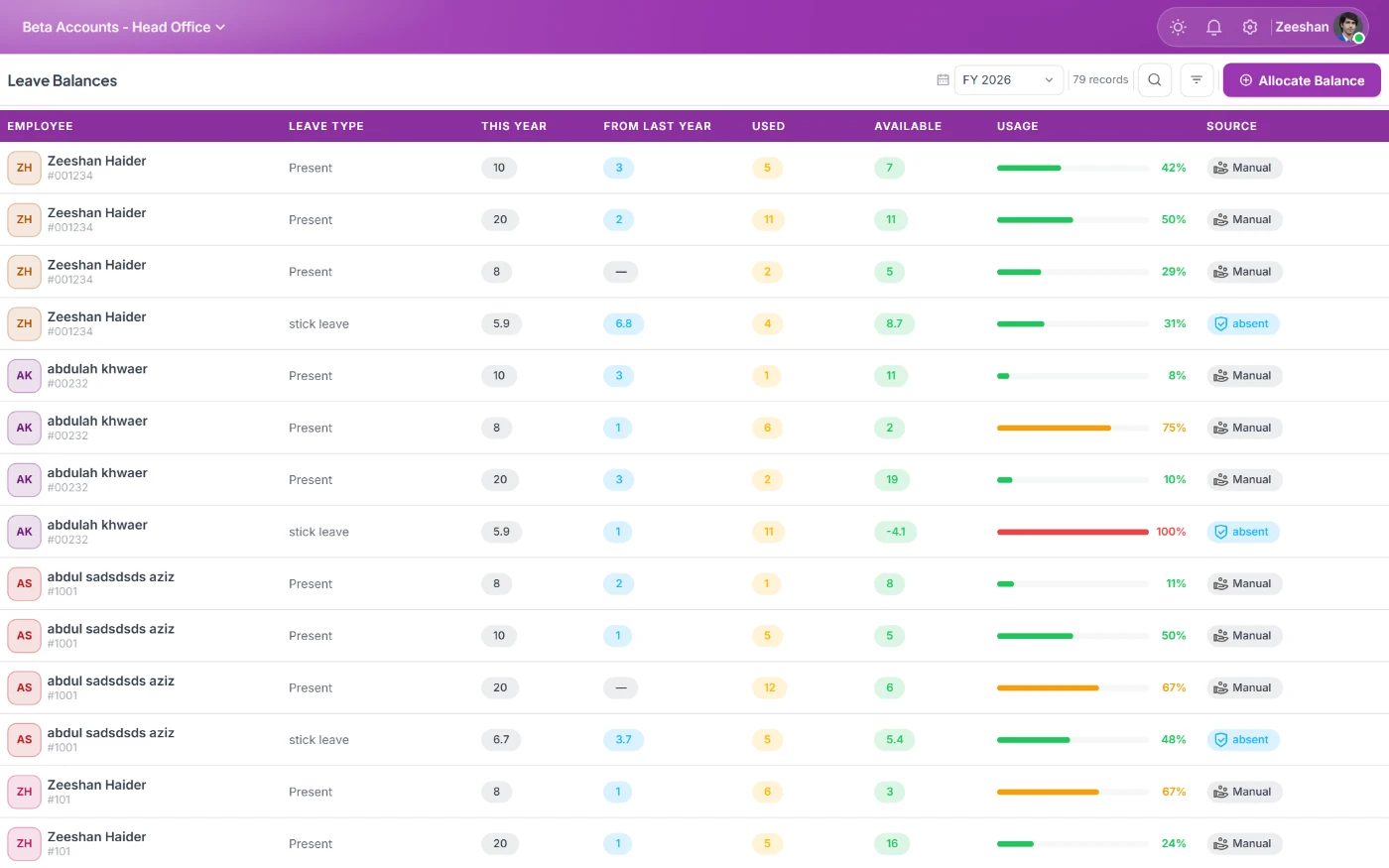
A roster is only useful if it covers the work. StreamHCM shows how many people are scheduled for each shift and department, and highlights where approved leave has left a gap. Supervisors can reassign staff or approve an extra shift before the problem reaches the floor. Over time, coverage and overtime reports show which shifts are consistently understaffed, which supports hiring decisions rather than repeated overtime.
Fair rotation
Staff notice quickly when the same people always get night shifts or weekend duty. Rotation patterns and roster reports in StreamHCM make the distribution of nights, weekends and holidays visible, so supervisors can rotate fairly and explain the roster when asked.
Shift allowances and payroll
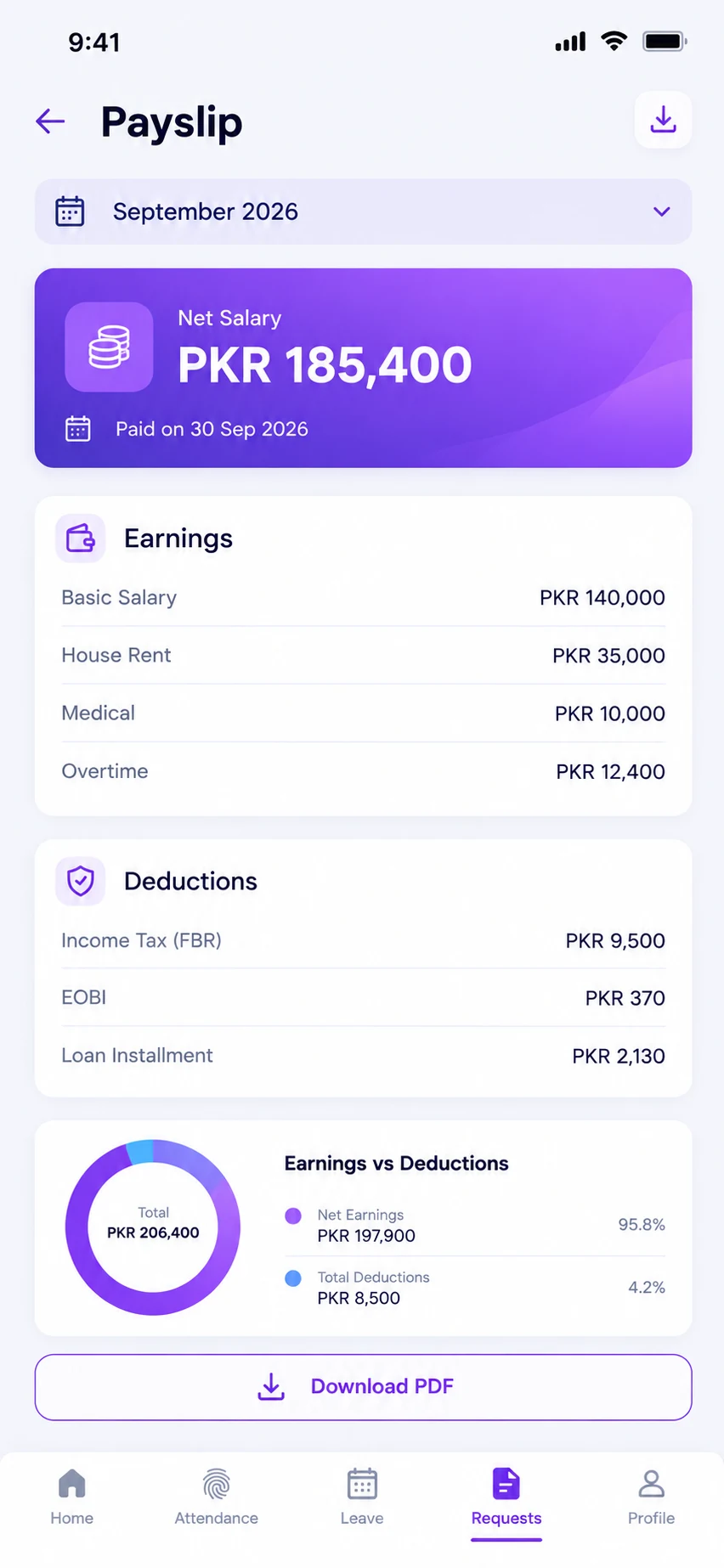
Night, evening and weekend allowances can be attached to specific shifts, so they are paid only when the shift is actually worked. Payroll picks them up from approved attendance, and payslips show each allowance separately.
Reports compare scheduled hours with worked hours per employee and department, which helps managers see whether rosters reflect how work is really done.
Because the roster, attendance and payroll share one record, a change made by a supervisor on Tuesday is reflected in that month's pay without anyone re-entering it.
Frequently asked questions
Yes. Define a rotation pattern and assign it to employees or groups; the roster is generated automatically.
A night shift that crosses midnight is counted as one shift on its scheduled date.
Yes. Employees request swaps in the app and supervisors approve them.
Yes. Yes. Update shift timings for Ramadan and set them back afterwards.
You can require approval before overtime is paid, with thresholds and multipliers per shift.
See StreamHCM running your HR
Start a 14-day free trial, no credit card required.