
Biometric attendance system for businesses in Pakistan
Most Pakistani companies already have a fingerprint or face attendance machine on the wall. The problem is what happens next: punches sit in the device or a desktop program, someone exports them to Excel, and HR spends days working out lates, absences and overtime before payroll can run. StreamHCM connects the device to a cloud HR system so that work happens automatically.

From device to payroll without Excel
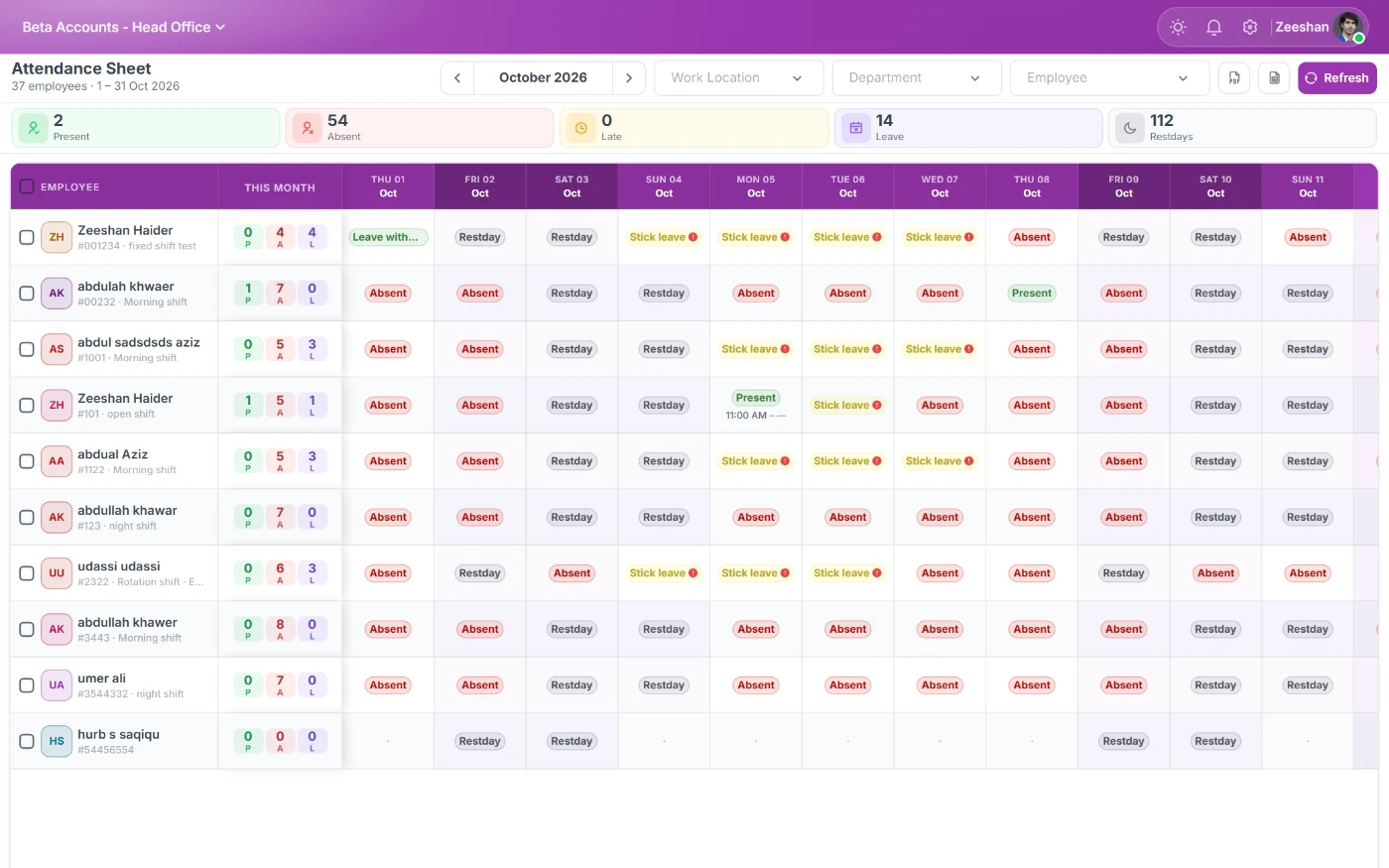
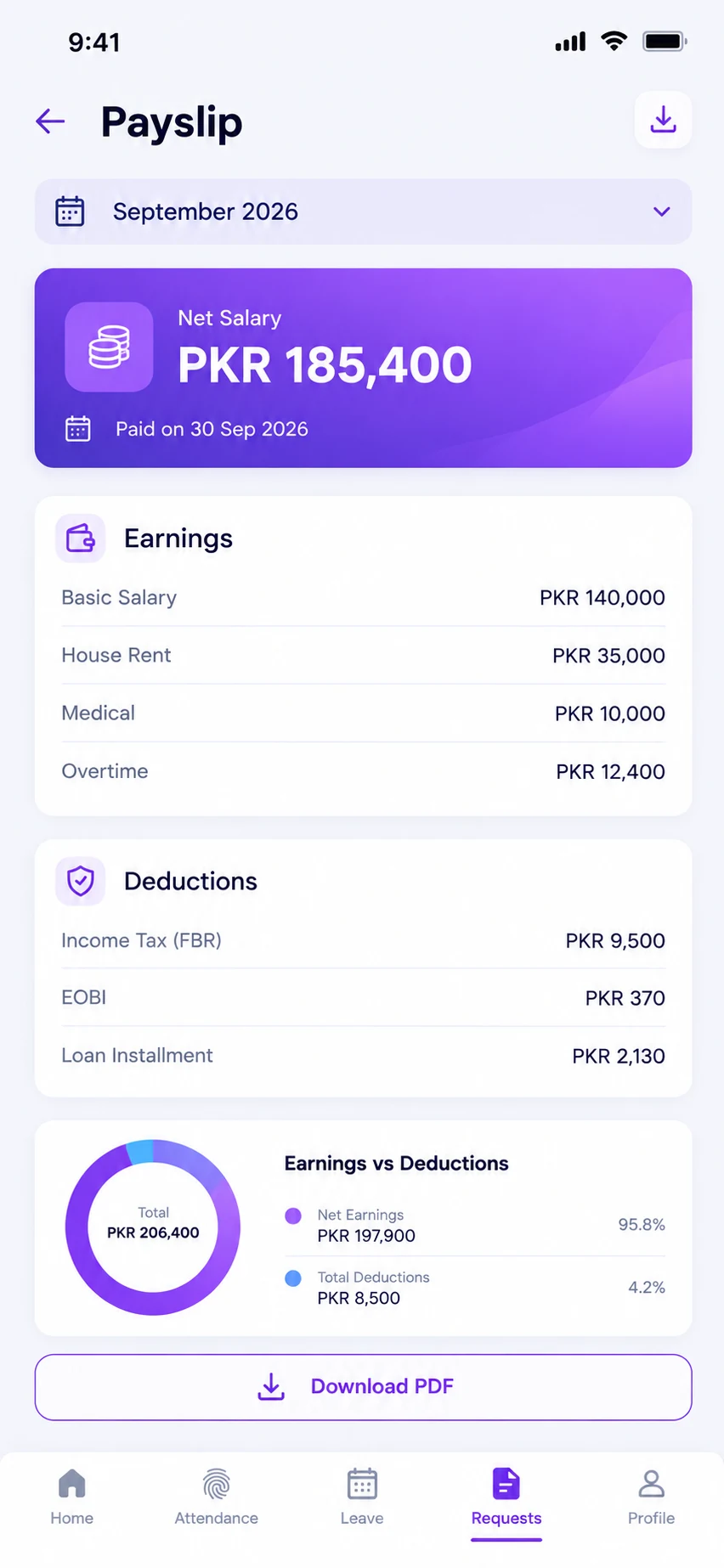
StreamHCM collects punches from supported biometric devices and matches each one to the employee's assigned shift. Grace periods, late thresholds, early-out rules, half-day logic, overtime and weekly offs are applied by the system, so by the time HR opens the attendance screen, the day is already classified. Approved leave and holidays are applied, and the result feeds payroll directly.
Because the record is in the cloud, managers can see their team's attendance in real time from the manager portal or app, and employees can see their own punches and raise corrections instead of arguing on payday.
Fingerprint, face and card
Fingerprint devices are the most common in Pakistan, and face recognition devices are increasingly used where hygiene or speed matters, such as factories and hospitals. StreamHCM works with devices from common manufacturers used in Pakistan. Share your model during the trial and we confirm compatibility before you commit. You can run fingerprint, face, card and mobile check-in side by side for different staff groups.
Rules you can configure
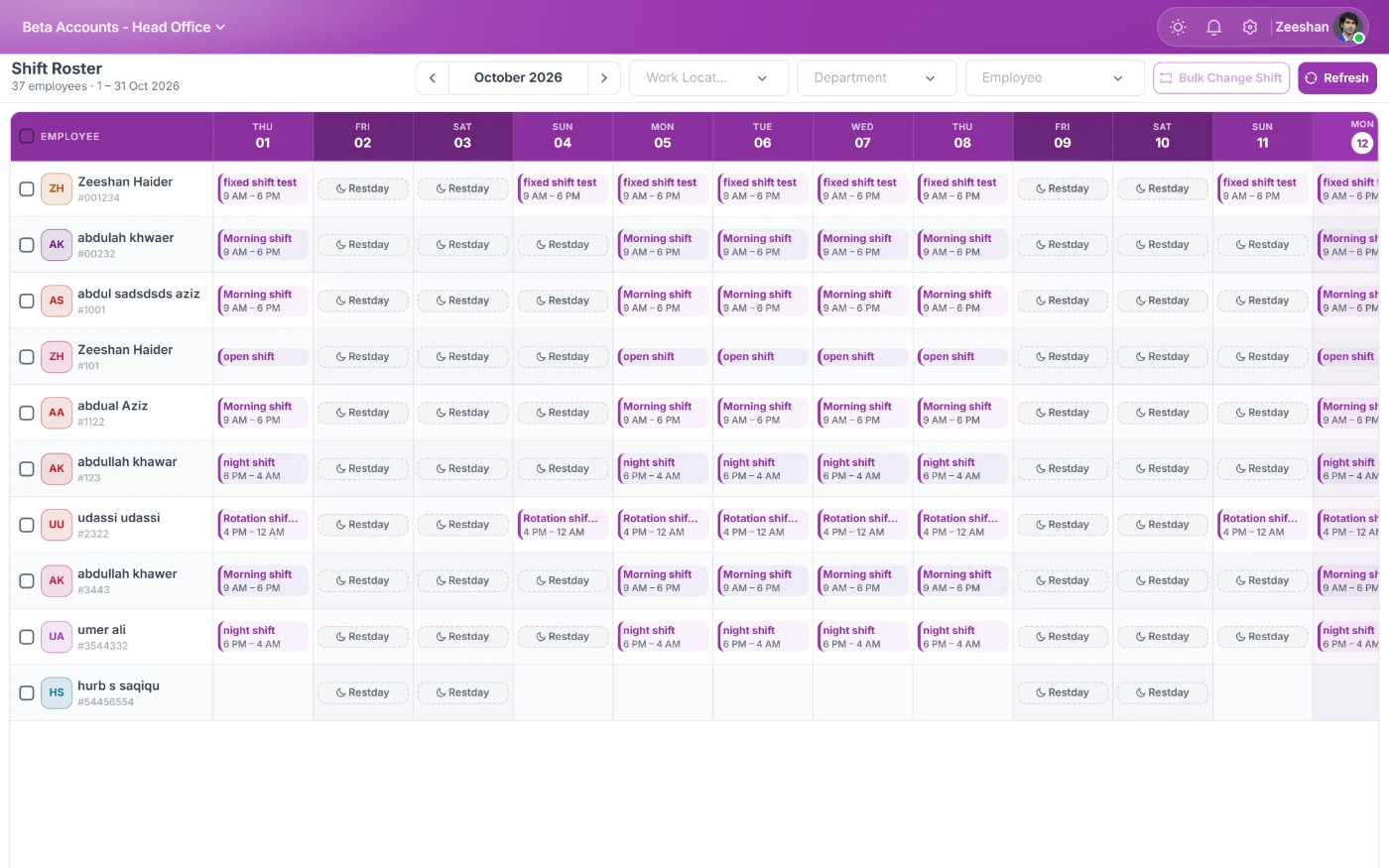
- Shift start, end and break times, including night shifts that cross midnight.
- Grace minutes and late thresholds, with deductions or warnings after a set number of lates.
- Half-day and short-leave rules based on hours worked.
- Overtime after a threshold, with multipliers and approval.
- Weekly offs, rotating offs and public holiday calendars per branch.
- Missing punch handling and correction requests with approval.
Multi-branch and offline
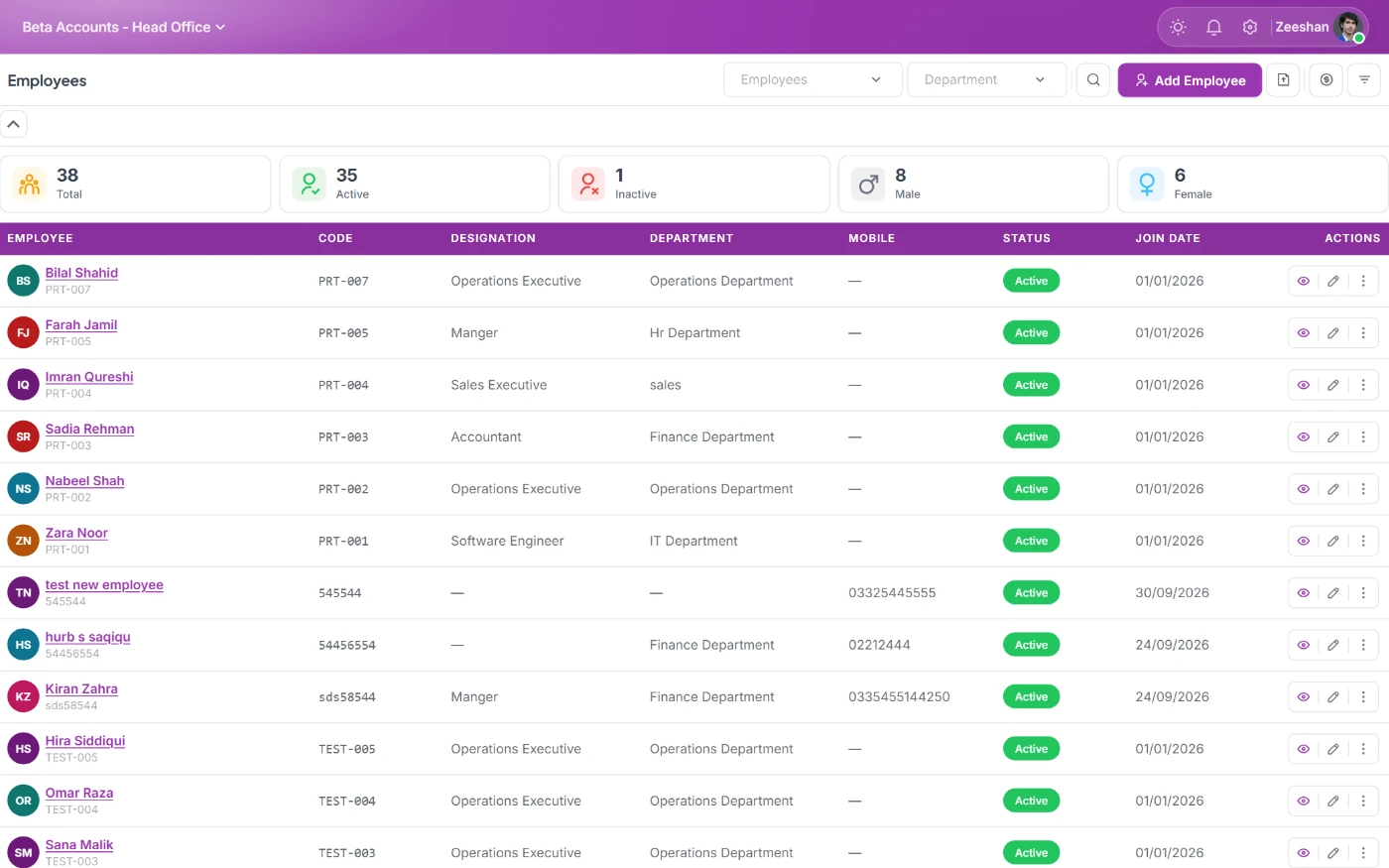
Each branch can have its own devices, shifts and holiday calendar. Most biometric devices store punches locally if the internet drops and sync when it returns, so a load-shedding afternoon does not create a day of absences. Head office sees every branch in one dashboard.
Stopping buddy-punching
Biometric devices make proxy attendance harder than registers or cards. StreamHCM adds controls on top, such as flags for unusual punch patterns, and for mobile check-in, location rules and fake-GPS detection. Supervisors get exceptions to review instead of scanning every row.
Linked to the rest of HR
Attendance in StreamHCM is not a separate tool. It feeds leave balances, payroll deductions and overtime, performance reviews and reports. That is the difference between a biometric machine and a biometric attendance system: the data is used, not just stored.
Rolling out biometric attendance
Start by connecting one device at one branch and enrolling employees. Configure the shifts and rules, let attendance run for two weeks alongside your current method, and compare the results. Once the rules are tuned, connect the other devices and branches, and switch payroll to use StreamHCM attendance. Employees get the app so they can see punches and raise corrections.
Factories, offices and field staff
Factories typically use gate devices with face recognition for speed at shift change. Offices often use fingerprint devices at reception. Field staff such as sales teams, guards and technicians use mobile GPS check-in. StreamHCM combines all three in one attendance record, so a company with all three groups does not need three systems.
What to check before buying a device
If you are buying new devices, confirm the model is supported, decide between face and fingerprint based on your environment (dust, gloves and hygiene favour face recognition), check capacity for your headcount, and plan power backup for load-shedding. A device that stores punches offline and syncs later is essential in most Pakistani locations.
Attendance data employees trust
Disputes about attendance usually come from staff not seeing their own records until salary is deducted. In StreamHCM, employees see every punch in the app the same day, and corrections go through an approval trail. That transparency reduces payday disputes and makes deductions defensible.
Reports managers use
Daily attendance, late arrivals, absentees, overtime and monthly summaries are available by branch, department and shift, and can be exported.
Frequently asked questions
StreamHCM works with common fingerprint and face devices used in Pakistan. Tell us your model during the trial and we confirm compatibility.
Devices store punches locally and sync when the connection returns, so attendance is not lost.
Yes. Different devices and methods can run side by side, and all feed the same attendance record.
Yes. Lates, absences, half-days and approved overtime are applied in payroll according to your rules.
Yes. Employees see their punches in the app and can request corrections for approval.
See StreamHCM running your HR
Start a 14-day free trial, no credit card required.