
HR letter generator for Pakistan: offer, experience and warning letters
Write the wording once. Name, CNIC, father's name, salary, dates and company details fill in when you issue the letter. Print it, or save a PDF from the browser print dialog, and keep the reference on the employee.
Templates and merge fields. Not an AI writer, not e-sign, and not an email of the issued letter.
Where the day goes wrong
The Word file is copied again
Last month's experience letter is duplicated, and the previous employee's CNIC is still in the third line.
The letterhead is a screenshot
Someone pastes the logo at a different size every time. The printed page does not match the file the bank asked for.
The copy is in someone's inbox
Six months later nobody can say which warning was issued, or what reference was on it.
What you can issue
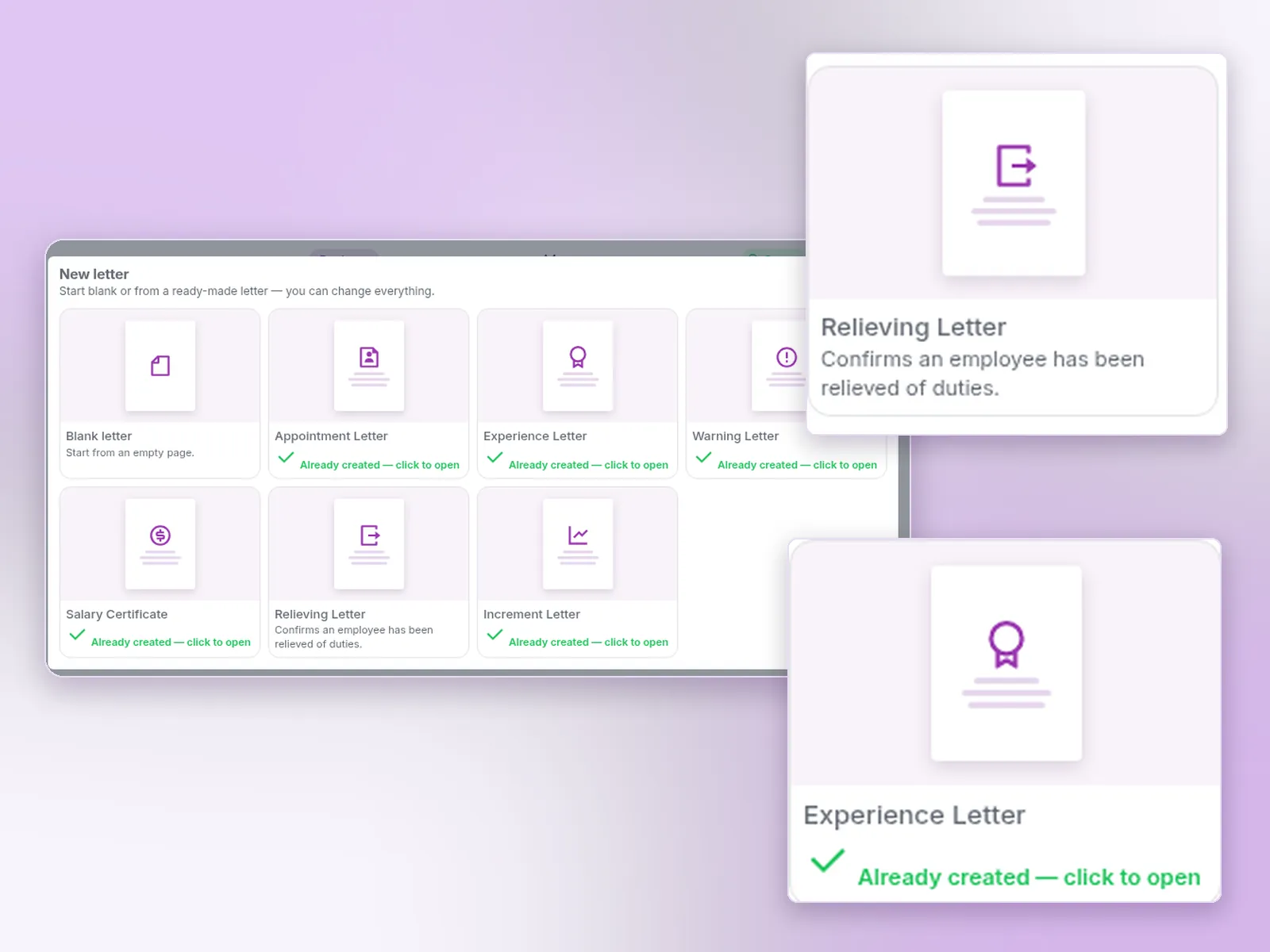
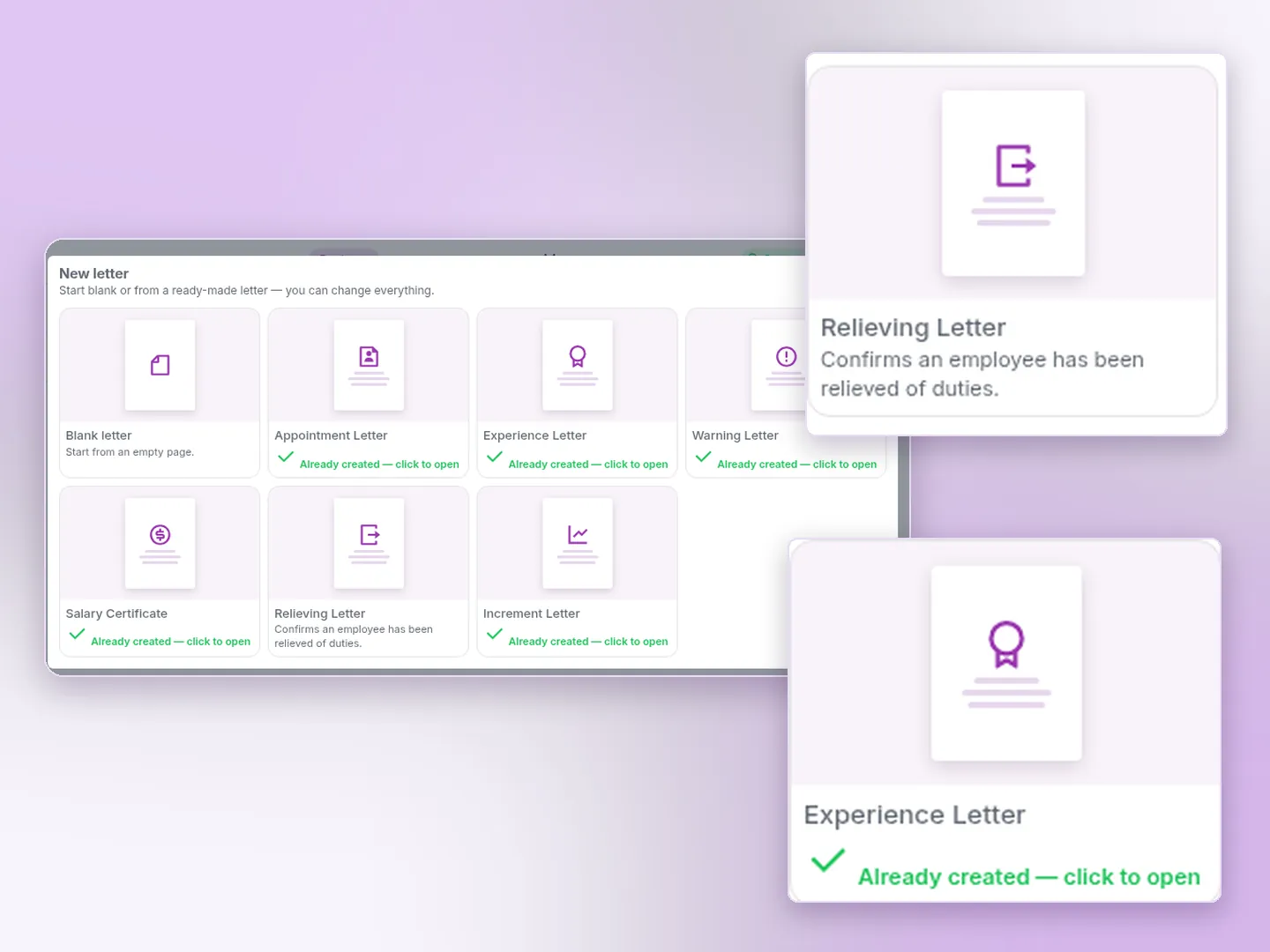
One official letter of each type per company. Extra variants are saved as custom letters.
Offer letter
The standard wording sent with every offer, or your own wording. The candidate opens it from the link in the offer email. It is not attached as a PDF.
Appointment letter
Role, salary, probation, hours, leave and notice. What a Pakistani appointment letter should state is in the appointment letter guide.
Experience letter
Service period, role and dates. The experience letter guide separates this from the Standing Order 19 service certificate.
Warning letter
A written warning with a line for the employee to acknowledge. The warning letter guide covers show-cause and the steps before dismissal.
Salary certificate
Current gross salary for a bank, a visa or a rental. The copy-ready layout is the salary certificate format. This is not the salary tax certificate and not the payslip.
Relieving letter
Confirms the person was relieved of duties after handover. The fields and a copy-ready template are on the relieving letter page. It is a company letter. It does not replace wages that are still due.
Increment letter
The salary increase. The effective date is typed into the letter. It is not an automatic field.
Blank or custom
Start empty, or copy a letter and keep the copy as a custom letter. Only a letter saved on the server can be issued.
Merge fields
Name, father's name, CNIC, employee code, job title, department, branch, joining and last working dates, gross salary, and company name, address and phones.
Reference and history
Issue and Print stores the letter with a reference such as HR/2026/0007. Issued letters stay on the employee so HR can print them again.
A Word-style page, with your letterhead
The editor is an A4 or US Letter page with narrow, normal or wide margins. Fonts, tables, pictures, a horizontal line and page breaks are on the ribbon, with Insert field for the purple chips. Header and footer hold a logo or a full-width letterhead. Preview and Print, then Print / Save as PDF, uses the browser print dialog. What to put in each letter, and where the law is specific, is in the 2026 guide to HR letters in Pakistan.
Where the time goes
Type the wording once
The next experience letter does not start from a colleague's file. The chips pull the current employee record.
Issue from the person
Generate letter is on the employee profile and on the employees list. You see the filled letter before you print.
The guides stay the source for the law
This page is the product. Appointment, experience, warning and notice rules are written up separately, and they are not legal advice.
HR letter generator — frequently asked questions
Offer, appointment, experience, warning, salary certificate, relieving and increment, plus a blank letter and extra copies saved as custom letters. Each company keeps one of each official type so the wording stays consistent.
Employee name, father's name, employee code, CNIC, job title, department, branch, joining date, last working date, gross salary, email, phone and address, plus company name, address, phone, email, today's date and the reference number. Offer letters use the candidate's name, role, salary, joining date, employment type, location and probation.
Yes. The editor has header and footer zones for a logo or a full-width letterhead picture. That picture repeats on the printed pages. You can also start from a blank page.
Open the employee and choose Generate letter, or use the same action on the employees list. Preview the letter with that person's data, then Issue and Print. The issued copy is kept with a reference number such as HR/2026/0007 and can be opened and printed again.
No. Experience, warning, relieving and the other issued letters are preview and print only. There is no e-sign step and no email of those issued letters. An offer is different: sending an offer emails the candidate a link to a page that shows the offer letter. Accept or decline on that page is an offer response, not a signed PDF.
No. The letters are ready-made wording with merge fields, edited in the letter editor. Rehbar AI does not draft them.
Preview and Print opens a preview. Print / Save as PDF uses the browser's print dialog. There is no separate server PDF file for this flow.
People whose role has Letters create or update rights. A letter kept only in the browser cannot be issued. It has to be saved on the server first.
Issue the next letter from the employee record
Request a 14-day trial or a demo. Letters need the Letters rights on the role. Printing uses your browser.