
Why does payroll take so long every month, and how can you speed it up?

Written and reviewed by the StreamHCM HR & Payroll Team. Last updated 17 November 2026. Published 14 November 2026.
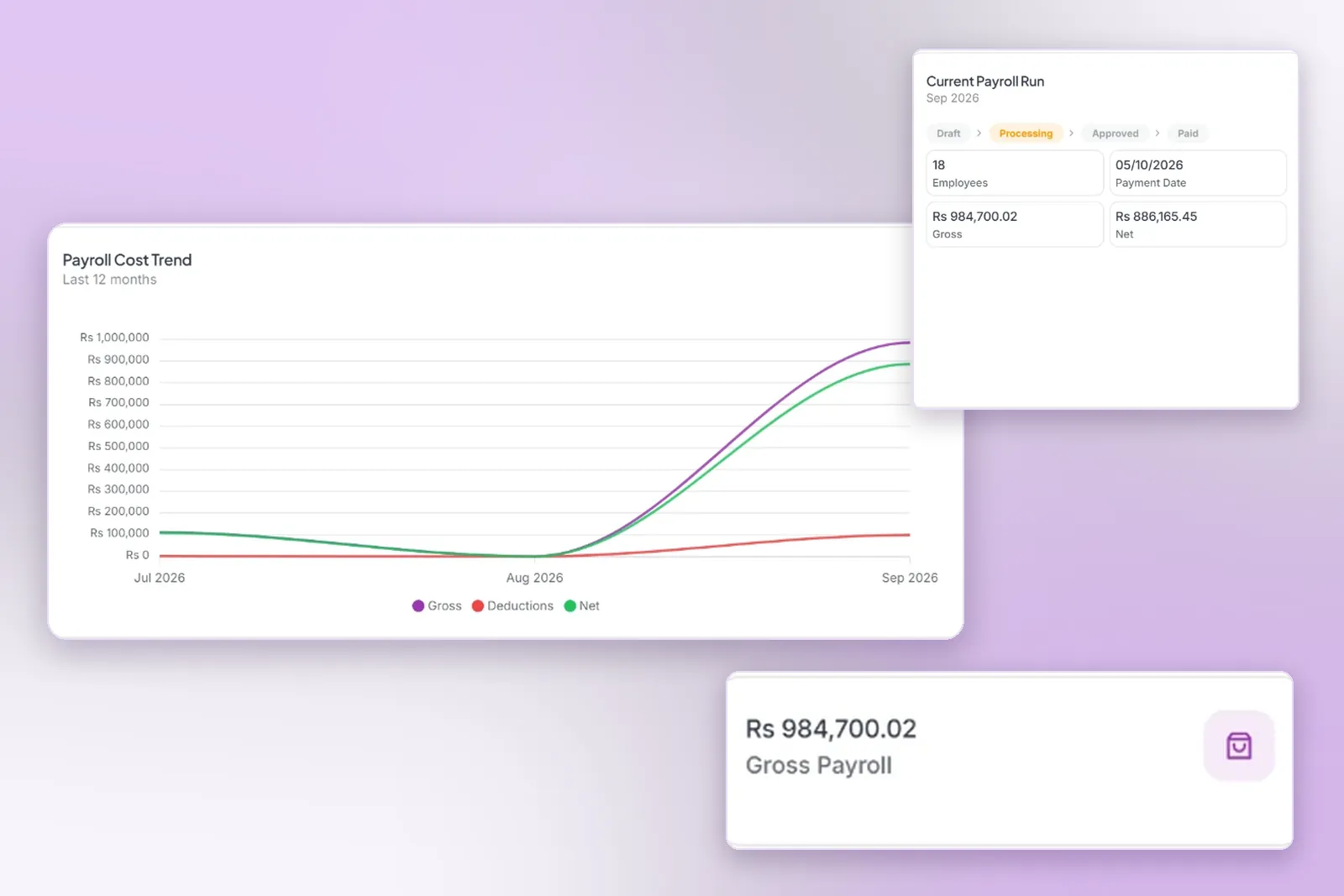
Payroll takes so long because the inputs arrive late or disagree: device punches exported by hand, overtime and leave still unapproved, and tax or EOBI checked in a spreadsheet. A cut-off, one locked attendance record and rules in the pay run remove that queue. This page does not claim a number of hours saved.
The question HR hears is not “can we add numbers.” It is why the last week of the month disappears. The arithmetic of a payslip is in how to calculate payroll in Pakistan. This page is about the waiting that happens before that arithmetic can start. Habits that keep a run calm are also in payroll productivity tips. The module that runs the calculation is payroll management.
Why does payroll processing take so much time every month and how can I speed it up?
Most of the time is spent collecting, not calculating. Someone exports punches, someone else pastes them, and a manager approves overtime on payday. Tax is re-checked in a workbook one person trusts. That queue is not the pay run. You speed it up by closing it in order: a cut-off, one attendance record, approvals, then the rates stored once.
Leave approved in a chat never reaches the absence column. None of that waiting is the arithmetic. The causes below are the usual places the month stalls, and the numbered fixes are the order to close them.
The 8 most common causes
| Cause | What it costs | Fix |
|---|---|---|
| Device punches exported manually | A second register that can disagree with the terminal | Send punches into the attendance record payroll reads |
| Missing shift rules, so a night shift splits in two | Half days and overtime that are not real | One shift with a start, end and break, including after midnight |
| Unapproved overtime | Payroll waits, or pays a number nobody signed | Overtime stays out of the wage until a manager approves it |
| Leave approved after cut-off | A paid day that still looks like an absence | Leave closed on the cut-off, with a balance the request can see |
| Mid-month joiners, leavers and loans | A salary or an instalment typed from a chat | Joiners, leavers and loans on the employee record before the run |
| FBR tax re-calculated in Excel | A slab missed after a budget, applied differently by each person | Section 149 slabs as a setting in the pay run |
| EOBI, PESSI or SESSI lines checked by hand | The wrong base, or the employer share taken from the employee | The rate and wage base stored once, then applied to every covered person |
| Payslips emailed one by one | The days after payday spent answering “send my slip” | The approved slip in employee self-service |
What does a typical monthly payroll timeline look like?
The dates move with your pay day. The order does not. Nothing below is a promised duration. A step finishes when the person who owns it finishes it, and a step should not start while the one before it is still open.
- Cut-off. New overtime, leave, joiners, leavers and salary changes for this run stop. Later items wait for the next cycle.
- Attendance lock. Missing punches are raised against the device record. They are not retyped into a fresh sheet. The lock is attendance finalisation.
- Approvals. Managers clear the queue. Unapproved overtime stays out of the wage. Leave that is still pending is not paid as if it were approved.
- Calculation. Gross, exempt allowances, taxable income, FBR salary tax, EOBI and the other deductions run from those approved inputs.
- Review. Payroll and finance look at joiners, leavers, loans, tax and EOBI before anyone is paid.
- Bank file. The finalised run is what you disburse through your bank. StreamHCM keeps bank details on the employee. It does not claim to send the file into a named bank.
- Payslips. The approved slip opens in employee self-service, so HR is not emailing PDFs one by one.
Which bottlenecks slow a Pakistani payroll run, and what fixes them?
The same eight causes show up as a stuck handoff. The fix is to move the work to the system that already holds the employee, not to add another workbook beside it. A branch in Lahore and a branch in Karachi can both be late for different statutory lines. The timeline above is still one timeline.
| Bottleneck | What you see | Fix |
|---|---|---|
| Cut-off ignored | Salary changes arriving on payday | A payroll calendar, and late items held for the next run |
| Attendance still open | Two registers that do not match | Lock the month after exceptions are regularised |
| Approval queue open | Overtime paid that nobody signed, or a paid day that still looks absent | Manager approval before the calculation starts |
| Tax or EOBI in Excel | A slab or a wage base applied differently by each person | Section 149 slabs and the EOBI base as settings |
| Payslips by email | The week after payday spent answering “send my slip” | The approved slip in employee self-service |
How can I speed up payroll?
You speed a monthly run up by closing the inputs before anyone calculates. Publish the cut-off, lock attendance, finish approvals, then let the stored tax and EOBI rules produce the slip. The list below is that order. It is not a promise of hours saved.
- Publish a cut-off calendar for overtime, leave, joiners and salary changes, and keep it.
- Connect the attendance device so punches are not retyped. The device page is ZKTeco payroll integration.
- Set the shift before attendance is judged, including a night shift that crosses midnight. The setup note is how to set up a shift.
- Close leave on the cut-off, against a real balance. See leave management.
- Put loans and advances on the employee record, not in a chat. The rules are in employee loans and salary advances.
- Keep FBR salary tax in the pay run. The slabs are the salary tax guide for 2026-27.
- Keep EOBI on the notified wage base, not on gross. The rates are the EOBI contribution guide.
- Put the payslip in the employee app so HR is not the post office. See employee self service.
Why does our payroll take so long to process each month and what software can speed it up?
It takes so long when the software is not where the month is closed. A tool that still waits for an Excel export, a chat approval and a hand-checked tax cell has not removed the queue. Software helps when attendance, leave, tax and EOBI are rules on the same employee, and the employee can open the payslip.
A second spreadsheet beside the software means the software is not doing the job yet. This page does not rank products and does not claim a number of hours saved.
StreamHCM reads attendance into the pay run, calculates FBR tax and EOBI in that run, and puts the payslip in the ESS app. The product page is payroll software in Pakistan. You can check one month of the public formula in the payroll calculator. Plans are on pricing. The wider system is HR software in Pakistan.
What features should payroll software have to speed this up?
Use this as a buying check against what StreamHCM already states. If a line is not on the linked page, do not assume the product does it. The point is one record from the punch to the slip, not a longer feature list.
- Biometric punches sync into attendance, including ZKTeco and the other device brands the integration page names. See ZKTeco payroll integration.
- Attendance rules classify the day, and attendance finalisation locks the month before payroll. See attendance management.
- Leave is approved against a balance, and unpaid leave reaches the pay run as unpaid. See leave management.
- Shift rules exist before a night shift is judged, including a shift that crosses midnight. See shift management.
- Managers approve overtime in one queue. See the manager portal.
- Payroll holds the salary structure, section 149, EOBI, loans and the payslip. See payroll management.
- The employee opens the slip. See employee self service.
This page is general information about a payroll process. It is not legal or tax advice. Confirm the current FBR slabs and the EOBI circular before you lock a setting.
Sources
- FBR Withholding Tax Rate Card, Tax Year 2027 (Section 149)
- Employees' Old-Age Benefits Institution (eobi.gov.pk). Confirm Circular No. 01/2026-27 on the institution site.
- Salary tax guide for 2026-27
- EOBI contribution guide
Questions
Why does our payroll take so long to process each month?
Usually because the inputs arrive late or disagree: attendance exported by hand, overtime still unapproved, leave approved after cut-off, and tax or EOBI checked in a spreadsheet. The pay run itself is the short part once those inputs are one approved record.
What is a payroll cut-off date?
The last day a change can still enter that month's pay run. Overtime, leave, joiners, leavers and salary changes after that date wait for the next cycle. A cut-off only works if late items are not slipped in every month.
Can payroll software calculate FBR tax and EOBI automatically?
Yes, when the slabs and the EOBI wage base are settings in the pay run. StreamHCM calculates FBR salary tax under Section 149 and EOBI at 5% employer and 1% employee of the wage base, and shows each line on the payslip. Confirm a new circular before you change the setting.
How long should monthly payroll take for 100 employees?
This page does not publish a stopwatch time, for 100 people or any other headcount. Once attendance, leave and overtime are approved, the remaining work is review rather than retyping. The length depends on how many exceptions are still open on cut-off day.
What is a typical monthly payroll timeline?
Cut-off, then attendance lock, then approvals, then calculation, then review, then the bank file, then payslips. The order is what matters. This page does not assign hours to those steps.
Which payroll step usually causes the delay?
The wait is usually before calculation: punches still in a device export, overtime nobody has approved, or leave approved after the cut-off. The arithmetic of tax and EOBI is not the slow part when those rates are settings.
Do employees still ask HR for payslips after payday?
They do when the slip is emailed one by one. After the run is finalised, StreamHCM puts the itemised slip in employee self-service, so the employee opens their own.
What should I fix first if this month is already late?
Close the cut-off you still can, lock the attendance that is complete, and leave unapproved overtime out of the wage. Do not add a second spreadsheet to catch up. The causes and the order are the sections above.
Close the inputs before you close the month
Run one cycle on a 14-day trial and see which exceptions are still open on cut-off day.